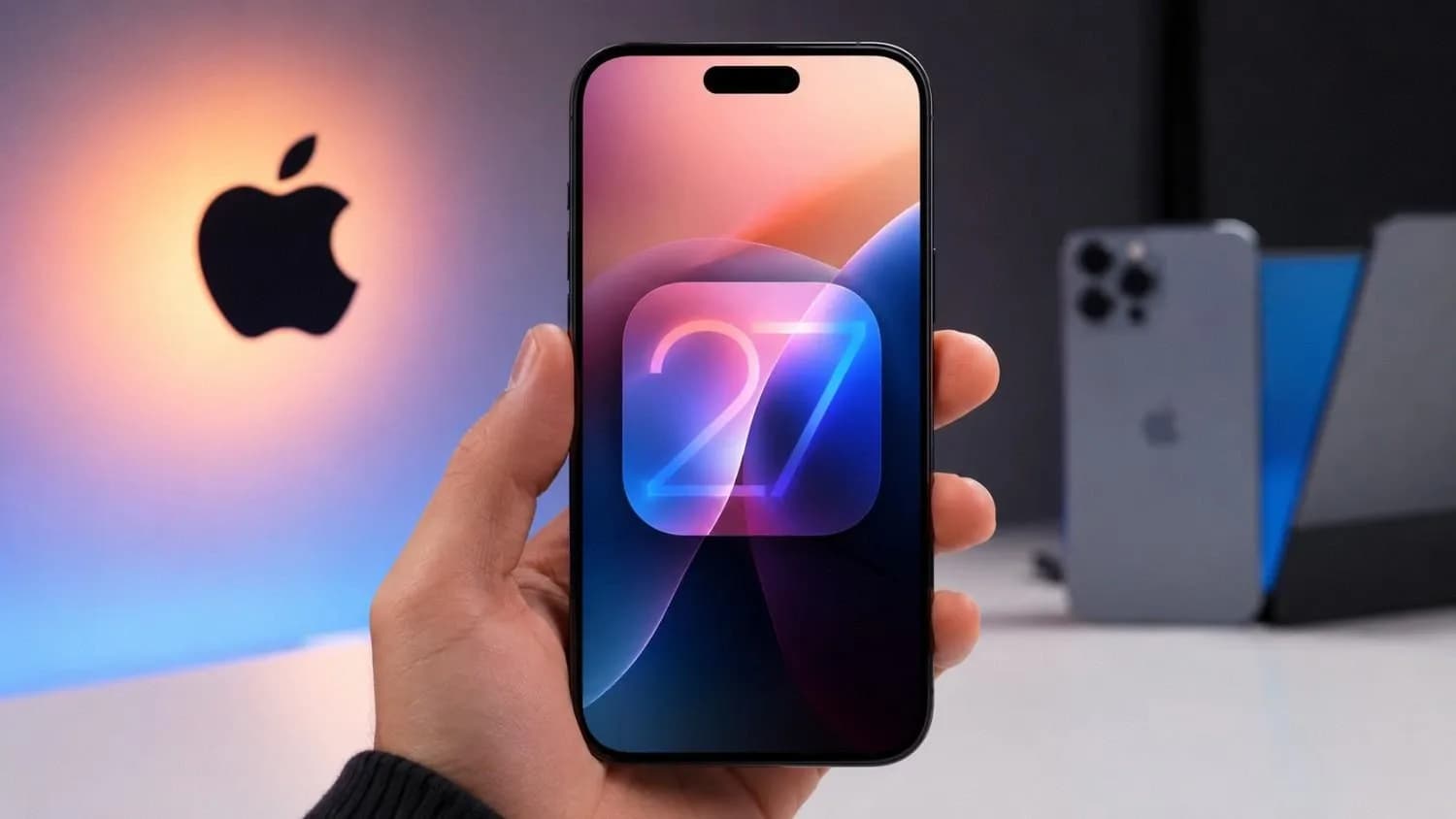
Quick Answer: Apple Releases First iOS 27 Public Beta
Apple has released the first iOS 27 public beta, giving eligible iPhone users early access to its next major software update. The beta became available on July 13, 2026, after several developer-only test versions. Public betas of iPadOS 27, watchOS 27, macOS 27 and tvOS 27 are also available. iOS 27 supports the iPhone 11 and newer, including the second-generation iPhone SE and later models. The stable version is scheduled to arrive this fall. The update focuses on faster performance, a more polished Liquid Glass interface, smoother network switching and the new Siri AI experience. Since it is still pre-release software, users should expect possible bugs and reliability issues.
Related News
Sindh Bans Use of Government Number Plates on Private Vehicles
Apple Opens iOS 27 Testing to Public Users
The first public beta allows regular iPhone users to test iOS 27 without joining Apple’s paid Developer Program. Apple had previously limited access to developer beta testers. The wider release now lets eligible users explore the upcoming features and send feedback before the final software becomes available.
Apple has opened public testing across several platforms:
iOS 27
iPadOS 27
watchOS 27
macOS 27
tvOS 27
The public beta is more suitable for general testing than the earliest developer builds, but it is not a finished release. Apple states that beta software may contain errors and may not perform as reliably as commercially released software.
Which iPhones Support iOS 27?
iOS 27 supports every iPhone model that was eligible for iOS 26, so Apple has not removed support from older compatible iPhones this year. The oldest supported main-series models are the iPhone 11, iPhone 11 Pro and iPhone 11 Pro Max. Apple also supports the iPhone SE second generation and later versions.
Supported families include:
iPhone 11 series
iPhone 12 series
iPhone 13 series
iPhone 14 series
iPhone 15 series
iPhone 16 series
iPhone 17 series
iPhone Air
iPhone SE, second generation and later
This broad compatibility is welcome news for users who are not planning to upgrade their phones soon. However, installing iOS 27 does not guarantee access to every feature.
iOS 27 Support vs Siri AI Eligibility
Apple Intelligence is available on the iPhone 15 Pro, iPhone 15 Pro Max and all iPhone 16 models or later. Siri AI also depends on supported languages and regional availability.
iOS 27 Brings Faster Everyday Performance
Apple says iOS 27 makes common iPhone tasks faster, particularly app launches, photo loading and AirDrop transfers.
According to Apple’s testing, apps can open up to 30% faster. New photos may appear in the Photos library up to 70% faster, while AirDrop transfers can be up to 80% faster.
Main Performance Improvements
App launches up to 30% faster
New Photos content loads up to 70% faster
AirDrop transfers are up to 80% faster
Wi-Fi and cellular switching becomes smoother
Core system responsiveness receives further improvements
These figures are based on controlled Apple testing with selected iPhone models and specific conditions. Actual performance can vary by device, settings, storage, content and usage.
Still, the changes target tasks that people use daily rather than occasional features. Faster app opening and photo access may feel more valuable than a major visual redesign.
Liquid Glass Design Gets a More Polished Look
iOS 27 keeps Apple’s Liquid Glass design but improves its readability, contrast and overall consistency.
Apple introduced the visual language in iOS 26, where transparent interface elements reflected and refracted the content behind them. The new release focuses on correcting some of the design’s weaker areas rather than replacing it.
Apple says the refinements include:
More consistent visual refraction
Improved contrast
Sharper and more detailed app icons
Better readability across different backgrounds
A slider for adjusting the Liquid Glass effect
Users can choose an appearance ranging from ultraclear to fully tinted. This added control should help people who like the design but find highly transparent controls difficult to read.
Siri AI Is the Headline iOS 27 Feature
Siri AI is the biggest feature associated with iOS 27, offering more natural conversations, personal-context searches and actions inside supported apps. Apple says users will be able to ask open-ended questions and continue a conversation without carefully wording every command. Siri AI can also search for information stored in photos, emails and notes.
It is designed to perform actions in apps such as Messages, Music and Reminders. For example, users may ask Siri to edit a message, create a reminder or add a song to a playlist. Apple is also introducing a dedicated Siri app. It will keep conversations in one place and allow users to continue them across compatible Apple devices.
Siri AI Availability Has Important Limits
Siri AI will not be available on every iPhone that can install iOS 27. Apple says the feature requires an Apple Intelligence-enabled device and a supported language. It will initially be available in English and will not launch in the European Union at first on iOS, iPadOS and watchOS.
The rollout timing may also differ from the main iOS 27 beta schedule. Users should not install the public beta solely on the assumption that every Siri AI feature will immediately appear on their device.
Pros and Cons of Installing the Public Beta
The public beta offers early access to Apple’s latest software, but the benefits come with the risk of unfinished features and unexpected problems.
Pros
Early access to iOS 27 features
Broad support from the iPhone 11 onward
Faster app and photo performance
Quicker AirDrop transfers
Improved Liquid Glass controls
Smoother network transitions
Opportunity to provide feedback to Apple
Cons
Bugs may affect daily use
Some third-party apps may not work correctly
Battery or performance may be inconsistent
Features may change before the stable release
Older supported iPhones cannot use Siri AI
Returning to iOS 26 may require erasing the device
The beta is easier to recommend on a spare iPhone than on a device used for banking, work, travel or two-factor authentication. Apple itself recommends using beta software on a secondary device rather than a production or business-critical system.
iPadOS 27 Drops Support for Some Older iPads
iPadOS 27 supports newer iPads starting from selected 2020 and 2021 models, while several devices supported by iPadOS 26 have been removed.
Compatible models include:
iPad mini: Sixth generation and later
Standard iPad: Ninth generation and later
iPad Air: Fourth generation and later
11-inch iPad Pro: Second generation and later
12.9-inch iPad Pro: Fourth generation and later
Newer M-series iPad Pro and iPad Air models
The first-generation 11-inch iPad Pro, third-generation 12.9-inch iPad Pro and eighth-generation standard iPad are among the devices that do not appear on Apple’s iPadOS 27 compatibility list.
macOS 27 Ends Support for Intel-Powered Macs
macOS 27 supports Apple Silicon Macs only, marking the end of major macOS upgrades for Intel-based Mac models.
Eligible devices include:
MacBook Air with Apple Silicon from 2020 onward
MacBook Pro with Apple Silicon from 2020 onward
iMac with Apple Silicon from 2021 onward
Mac mini with Apple Silicon from 2020 onward
Mac Studio from 2022 onward
Mac Pro with Apple Silicon from 2023
MacBook Neo from 2026
Intel-powered Macs that received macOS 26 are not included in the official macOS 27 compatibility list.
Should You Install the iOS 27 Public Beta?
Install the beta only if you accept the possibility of bugs and have a reliable backup of your important data. Users with a secondary iPhone may find the update worth testing. It offers an early look at performance improvements, Liquid Glass refinements and upcoming Apple Intelligence features.
For a primary phone, waiting is the safer decision. Problems with banking apps, calls, notifications or battery performance can create more inconvenience than the new features provide. Users who depend on one iPhone for work or essential communication should wait for the stable version this fall. Those comfortable with beta software can enrol through Apple’s official program after backing up their device.
Frequently Asked Questions
1. Is the iOS 27 public beta available in Pakistan?
Yes, the iOS 27 public beta is available in Pakistan through the Apple Beta Software Program. Users need a compatible iPhone and the Apple Account linked to their device. Feature access may still vary by model, language and region.
2. Is the Apple Beta Software Program free?
Yes, the Apple Beta Software Program is free for eligible users. You do not need to pay a registration fee to install public beta software. A paid Apple Developer account is also not required.
3. Do I need a developer account to install iOS 27 beta?
No, a developer account is not required for the public beta. Users can join Apple’s public testing program with a standard Apple Account. Developer betas and public betas are separate releases.
4. How can I install the iOS 27 public beta?
Join the Apple Beta Software Program using the Apple Account connected to your iPhone. Then open Settings > General > Software Update > Beta Updates and select iOS 27 Public Beta. Back up the device before starting the installation.
5. Should I back up my iPhone before installing iOS 27 beta?
Yes, creating a full backup is strongly recommended before installing beta software. It protects your photos, messages and other important data if something goes wrong. Keep a backup made before upgrading for easier recovery.
6. Will installing iOS 27 beta void my iPhone warranty?
Installing Apple’s official public beta does not normally void the hardware warranty. However, Apple may ask users to restore the latest stable iOS version before providing software-related support. Problems caused by beta software may require a full device restore.
7. Can I stop receiving iOS 27 beta updates?
Yes, users can turn off beta updates from Settings > General > Software Update > Beta Updates. Select Off to stop receiving future beta builds. The current beta will remain installed until a newer stable release becomes available.
8. Can I return from iOS 27 beta to iOS 26?
Yes, but an immediate downgrade usually requires the iPhone to be erased and restored through a computer. You may then restore data from a compatible backup. A backup created before installing iOS 27 is the safest option.
9. Will an iOS 27 backup work after downgrading?
A backup created on iOS 27 may not work with iOS 26 because newer backups are not always compatible with older software. Use a backup saved before installing the beta. Otherwise, some data may need to be synced separately.
10. Will banking apps work on the iOS 27 beta?
Some banking and security apps may work normally, but compatibility is not guaranteed on beta software. Apps can crash, block access or fail during verification. Users who rely on banking apps should avoid installing the beta on their main iPhone.
11. Will Apple release more iOS 27 public betas?
Yes, Apple is expected to release additional public beta updates before the stable version arrives. New builds usually include bug fixes, performance improvements and feature changes. Apple does not always follow a fixed public beta schedule.
12. How can I report an iOS 27 bug to Apple?
Use the Feedback Assistant app included with Apple beta software. Describe the problem clearly and attach screenshots or system details when available. This helps Apple investigate and fix issues before the final release.
13. How can I leave the Apple Beta Software Program?
Users can leave the program through Apple’s official beta enrolment page and turn off Beta Updates on the iPhone. This stops future beta participation. It does not automatically remove the beta version already installed.
Sources and References
Apple Beta Software Program
Official information about joining Apple’s public beta program and testing pre-release software.Apple iOS and iPadOS 27 Beta Release Notes
Official technical details, known issues, fixes and changes included in the iOS 27 beta.MacRumors: iOS 27 and iPadOS 27 Available to Public Beta Testers
Coverage of Apple’s first iOS 27 public beta release and its major features.GSMArena: Apple Releases the First iOS 27 Public Beta
The original news report covering device support, performance upgrades, Siri AI and related Apple operating-system betas.
Topics in this story
Article Details
Category: Tech
Published:
Updated:
Author: Usama Haider
More Stories