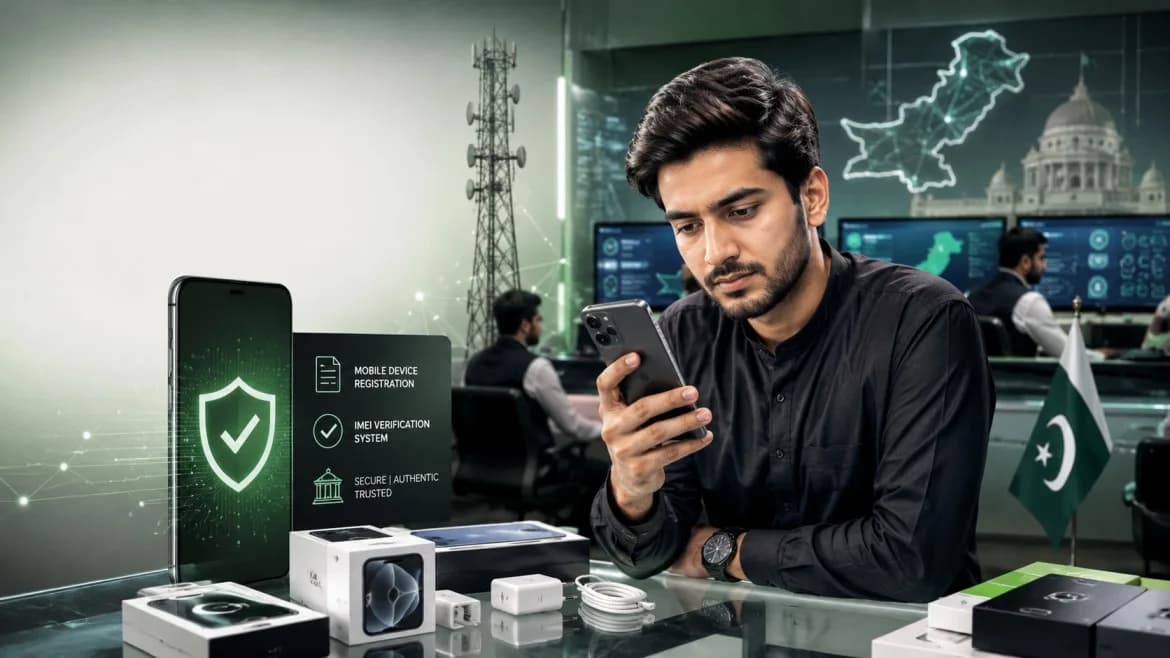
The Pakistan Telecommunications Authority (PTA) has urged consumers to verify whether a mobile phone is approved for use on local networks before buying or using the device.
The authority said its Device Identification, Registration and Blocking System (DIRBS) is used to identify, register and block mobile devices that are illegal, unregistered or do not meet regulatory requirements.
PTA has advised consumers to check a handset’s IMEI number before purchasing it. The warning is particularly important for buyers who may purchase mobile phones without confirming their status on Pakistan’s telecommunications networks.
What Is DIRBS?
DIRBS is the system used by PTA to identify mobile devices operating on Pakistan’s telecommunications networks.
According to PTA, the system helps identify, register and block devices that are illegal, unregistered or not compliant with regulatory requirements. The authority said DIRBS was introduced to prevent illegally imported or non-compliant mobile phones from being used on local networks.
This means buyers can check a phone’s status before purchasing it rather than discovering later that the handset may not be allowed to access local mobile networks.
PTA Advises Consumers to Check IMEI
PTA has specifically advised consumers to verify the International Mobile Equipment Identity (IMEI) number of a mobile phone before buying or using it.
The IMEI is a unique identification number associated with a mobile device. PTA provides several ways for consumers to find and verify this number.
Consumers can check the IMEI through the following methods:
Dial *#06# on the mobile phone.
Check the IMEI printed on the phone’s original packaging.
Find the IMEI through the device’s settings.
Send the IMEI number by SMS to 8484.
Use PTA’s online device-verification service to check the handset’s status.
These options allow consumers to verify a handset before making a purchase.
How to Check a Mobile Phone’s IMEI
Checking the IMEI number is relatively straightforward.
Step 1: Dial *#06#
Users can open the phone’s dialler and enter *#06#. The device will display its IMEI number.
Step 2: Check the Phone Box
The IMEI can also be found on the original packaging of the handset. Buyers should compare the information where appropriate and ensure they are checking the device they intend to purchase.
Step 3: Check Phone Settings
The IMEI number can also be located through the phone’s settings menu.
The exact location may vary depending on the handset and operating system, but PTA lists checking the device settings as one of the available ways to find the number.
Step 4: Send the IMEI to 8484
PTA also allows consumers to check the status of a device by sending its IMEI number through SMS to 8484.
This provides another option for buyers who want to verify a handset before purchasing it.
Step 5: Use PTA’s Online Verification Service
Consumers can also use PTA’s online device-verification service to check whether a mobile handset is approved.
This can be useful for buyers who want to verify a phone before completing a purchase.
Why PTA Wants Buyers to Verify Phones
The latest advice is aimed at helping consumers avoid purchasing handsets that could later face restrictions on Pakistan’s mobile networks.
PTA has warned consumers to check a device’s status before buying it, particularly because an unregistered or non-compliant handset could eventually be blocked from accessing local mobile networks.
For consumers, checking the IMEI before purchasing a phone can therefore provide an additional safeguard when buying a handset.
This is particularly relevant when purchasing devices through channels where the buyer may not have independently verified the phone’s regulatory status.
What Happens to Unregistered or Non-Compliant Phones?
According to PTA, DIRBS is designed to identify and block devices that are illegal, unregistered or do not comply with regulatory requirements.
The system was introduced to prevent illegally imported or non-compliant mobile devices from being used on Pakistan’s telecommunications networks.
PTA’s latest consumer guidance therefore places responsibility on buyers to verify a handset before purchasing or using it.
The authority has not stated in the source that every unverified phone will automatically be blocked. Instead, it advises consumers to confirm the device’s status to avoid purchasing a handset that could later be blocked.
What Pakistani Mobile Buyers Should Do
Consumers looking to purchase a mobile phone can take a few simple steps before completing the transaction.
First, they should obtain the handset’s IMEI number and verify its status through the methods provided by PTA.
Buyers can also check the IMEI using the phone itself, its original packaging, the device settings, SMS service or PTA’s online verification service.
The key point in PTA’s latest guidance is that buyers should verify a phone before purchasing it, rather than waiting until after the transaction to discover a potential registration or compliance issue.
PTA’s Message for Consumers
PTA’s latest warning is focused on consumer awareness and preventing people from unknowingly purchasing mobile devices that may not comply with local regulatory requirements.
The authority has encouraged consumers to make IMEI verification part of the buying process.
For anyone purchasing a mobile phone in Pakistan, checking the device before payment can help determine whether it is approved for use on local networks.
FAQs
What is DIRBS in Pakistan?
DIRBS stands for Device Identification, Registration and Blocking System. PTA says the system is used to identify, register and block mobile devices that are illegal, unregistered or not compliant with regulatory requirements.
How can I check my mobile phone’s IMEI?
You can dial *#06#, check the phone’s original packaging, find the number through the phone’s settings, send the IMEI by SMS to 8484, or use PTA’s online device-verification service.
What is the PTA IMEI check number?
PTA advises consumers to send their mobile phone’s IMEI number by SMS to 8484 to check its status.
Why should I check my phone’s IMEI before buying it?
PTA recommends checking the IMEI before purchasing a phone because an illegal, unregistered or non-compliant handset could later be blocked from accessing local mobile networks.
Can I find the IMEI from my phone’s settings?
Yes. PTA lists the phone’s settings as one of the methods consumers can use to find the IMEI number.
What is PTA’s DIRBS used for?
PTA says DIRBS was introduced to prevent illegally imported or non-compliant mobile devices from being used on Pakistan’s telecommunications networks.
Should I check a phone before or after buying it?
PTA advises consumers to verify the device’s status before purchasing or using it. This can help buyers avoid a handset that could later be blocked from local networks.
Final Takeaway
PTA has reminded mobile phone buyers in Pakistan to verify a handset’s IMEI before purchasing or using it.
Through DIRBS, the authority identifies, registers and blocks devices that are illegal, unregistered or non-compliant with regulatory requirements. Consumers can check their IMEI through *#06#, the phone’s settings or packaging, SMS to 8484, and PTA’s online verification service.
The simplest takeaway for buyers is clear: check the IMEI before paying for a mobile phone and confirm that the device is approved for use on Pakistan’s networks.
Source: ARY News
Article Details
Category: Tech
Published:
Author: Abdullah
More Stories