Quick Answer: What Is the Windows 11 Low Latency Profile Update?
The Windows 11 Low Latency Profile Update is a performance optimization designed to make everyday system interactions feel faster and smoother. Instead of increasing overall hardware power, Microsoft focuses on reducing small response delays when users open menus, search files, launch apps, and navigate Windows features.
For many users with office laptops, student devices, and mid-range PCs, these small improvements can create a noticeably better experience during daily tasks.
Windows 11 Low Latency Profile Update: How It Works
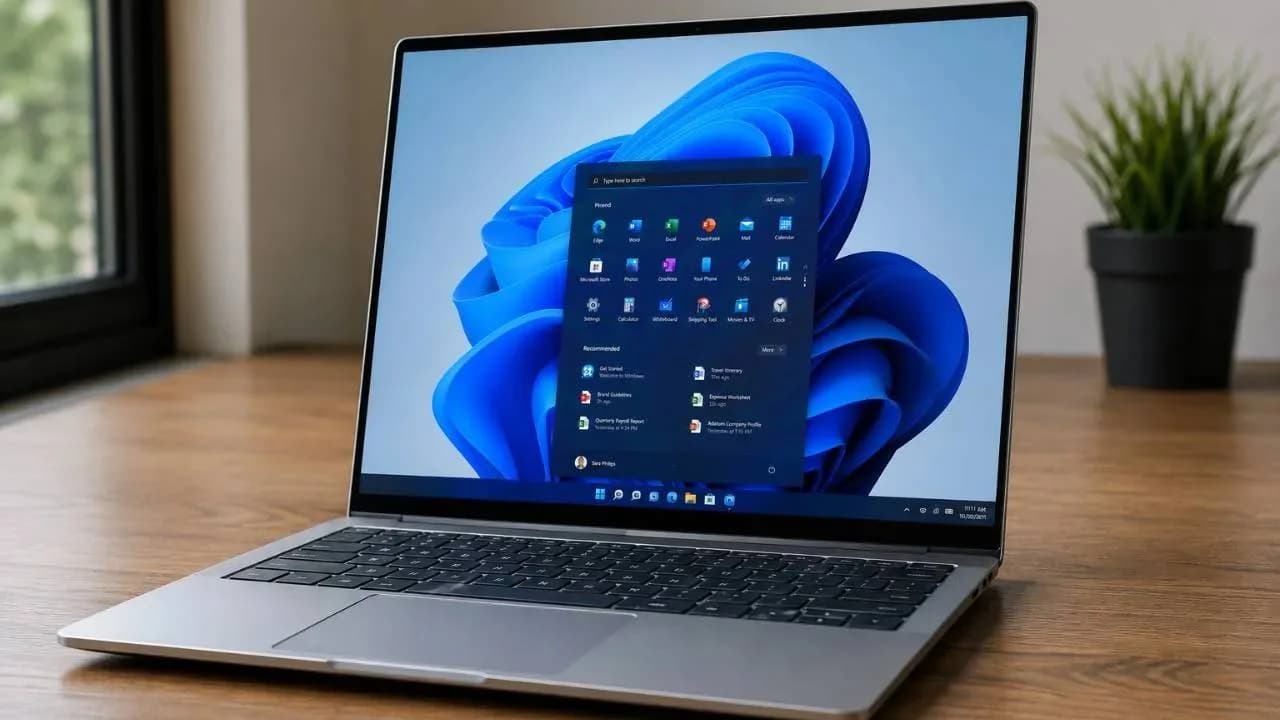
The Windows 11 Low Latency Profile Update focuses on improving system responsiveness rather than boosting raw processing power. In simple terms, Windows temporarily increases CPU responsiveness when it detects user actions that require quick reactions.
For example, when you open the Start Menu or use Windows Search, the system can provide a short performance boost and then return to normal power usage. This approach helps maintain a balance between speed and battery efficiency.
From experience, many users assume slow Windows performance always means they need new hardware. However, small delays often come from how quickly the operating system responds to commands. Microsoft’s approach targets these micro-delays instead of forcing the processor to run at maximum performance all the time.
How This Feature Helps Everyday Users
The update is mainly focused on actions people perform hundreds of times daily, including:
Opening the Start Menu
Searching files and applications
Switching between programs
Accessing Windows settings
Launching commonly used apps
These improvements are especially useful for users who work on laptops for online classes, office tasks, and remote jobs.
Daily Task | Expected Experience |
|---|---|
Start Menu Opening | Faster response |
Windows Search | Reduced waiting time |
App Switching | Smoother transitions |
System Navigation | Improved responsiveness |
Real Impact of the Update on Windows 11 Experience
The biggest advantage of this update is that it improves how Windows feels during regular use. Most users do not measure performance through benchmarks. They judge their computer by how quickly it responds when they click, type, or open something.
A laptop with good specifications can still feel slow if menus hesitate or applications take extra seconds to respond. This update focuses on improving that feeling of speed.
Benefits for Older and Mid-Range Computers
Older laptops are likely to notice the biggest difference because software optimization can improve usability without requiring expensive upgrades.
Students, professionals, and small business users may benefit from:
Smoother multitasking
Faster system interactions
Better daily workflow
Reduced perception of lag
One common mistake people make is comparing only processor speed and RAM. In many cases, system optimization plays an important role in overall user experience.
Windows 11 Low Latency Update Compared With Traditional Performance Improvements
Feature | Traditional Upgrade | Low Latency Profile |
|---|---|---|
Hardware Change | Required | Not required |
Cost | Higher | Included with updates |
Focus | More power | Faster response |
Battery Impact | Depends on hardware | Designed for efficiency |
Pros and Cons of Windows 11 Low Latency Profile Update
Pros
Improves everyday Windows responsiveness
Works automatically in the background
Helps older devices feel smoother
Does not require advanced settings
Maintains a balance between speed and battery life
Cons
Does not significantly improve gaming performance
Cannot replace hardware upgrades
High-end PCs may show limited differences
Improvements may feel subtle for some users
Real User Experience and Expert Takeaway
Many Windows users discuss small delays in forums and technology communities. A common complaint is that Windows feels slower even when the hardware should handle basic tasks easily.
A typical user experience is opening Search during work, switching between browser tabs, and accessing files repeatedly throughout the day. When these small delays reduce, the entire computer feels more responsive.
Customer Experience Highlight:
"After recent Windows updates, my laptop feels smoother when opening menus and switching between apps. The change is not huge, but daily work feels more comfortable."
Windows 11 Low Latency Profile vs Competitor Approaches
Area | Windows 11 | macOS |
|---|---|---|
System Optimization | Dynamic performance management | Hardware and software integration |
User Interface Speed | Improved through updates | Generally consistent |
Hardware Flexibility | Works across many devices | Limited device range |
Is the Windows 11 Low Latency Profile Update Worth It?
For everyday users, this update is a practical improvement rather than a major transformation. It will not turn an old laptop into a premium workstation, but it can make daily tasks feel smoother.
Users who work, study, browse, or manage business tasks on Windows 11 should keep their systems updated to benefit from these improvements.
Stay connected with PehlePakistan.pk for the latest technology updates, software improvements, and expert guides that help you make smarter digital decisions.
Frequently Asked Questions
What is the Windows 11 Low Latency Profile Update?
It is a Windows optimization feature designed to improve system responsiveness during everyday tasks.
Does the Windows 11 Low Latency Profile Update increase CPU performance?
It provides temporary CPU responsiveness improvements during specific user actions rather than increasing constant performance.
Will this update improve gaming performance?
No, the update mainly improves system interactions and is not designed for gaming FPS improvements.
Who benefits most from this Windows 11 update?
Users with older laptops, office computers, and mid-range devices may notice the biggest improvements.
Does the Low Latency Profile affect battery life?
The feature uses short performance boosts, so battery impact is expected to remain minimal.
Do users need to enable this feature manually?
No, it works automatically after the required Windows update is installed.
Is this update a replacement for upgrading hardware?
No, it improves responsiveness but cannot replace major hardware upgrades when a device has serious performance limitations.
Topics in this story
Article Details
Category: Tech
Published:
Updated:
Author: Fiza
More Stories