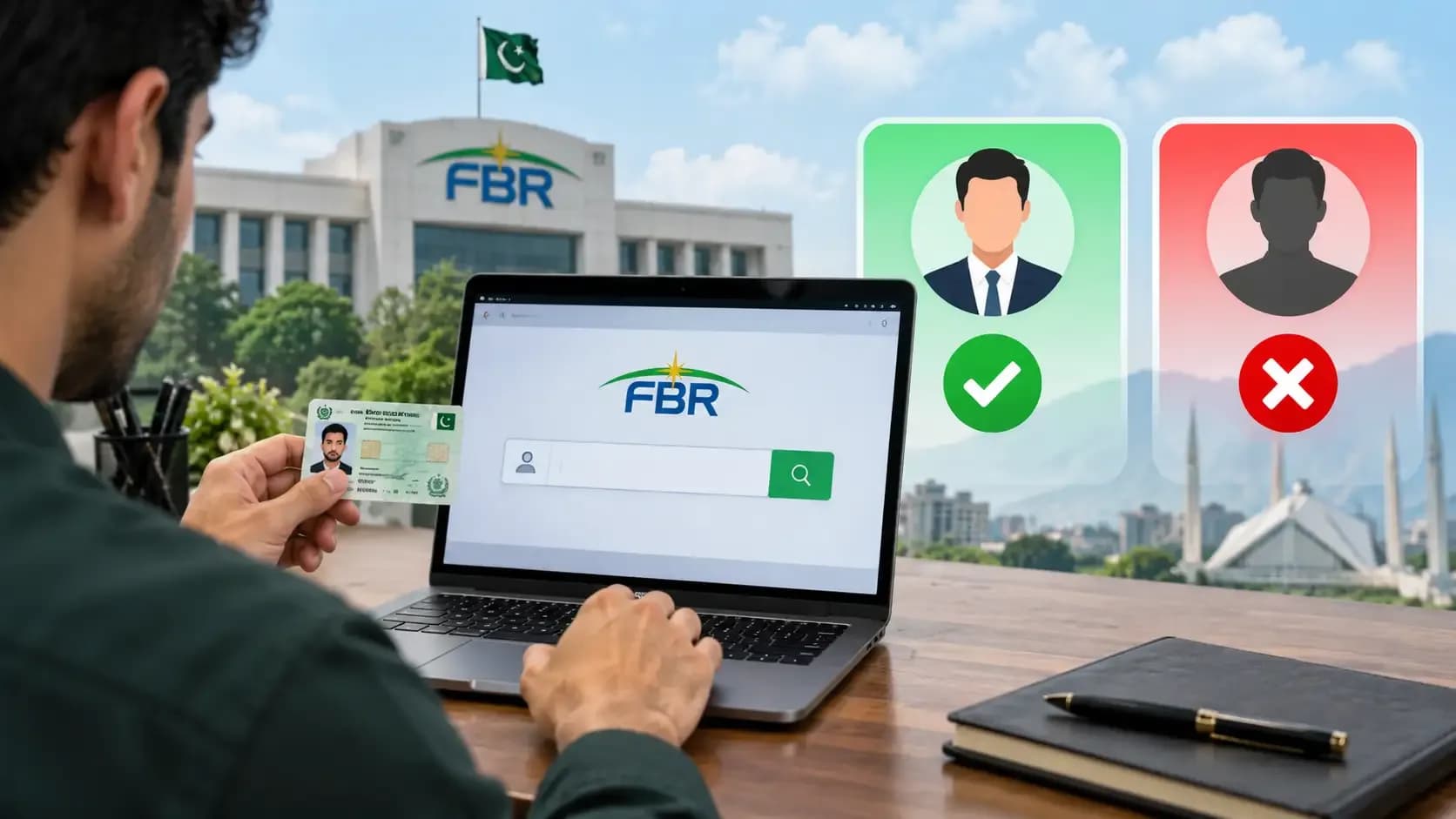
You registered as a filer a few weeks ago. Now you need to confirm: Are you actually on the Active Taxpayer List? Is your status showing in the FBR system? Will it show when the government job application checks?
The answer is just a few clicks away. Pakistan's FBR provides a free, instant online tool to check your ATL (Active Taxpayer List) status using your CNIC. No forms, no fees, no waiting. This guide shows you exactly how to use it and what the results actually mean.
ATL status is the proof of filer registration. To understand what being a filer actually means, see the income tax guide for salaried persons.
What Is ATL (Active Taxpayer List)?
ATL stands for Active Taxpayer List. It's the FBR's official registry of taxpayers who are currently registered and have filed at least one return. Being on the ATL is what proves you're an active, compliant taxpayer.
When government jobs, banks, or institutions ask "Are you a filer?" they're really asking "Are you on the Active Taxpayer List?" ATL status is the proof.
Simply registering doesn't put you on the ATL. Filing your first return does. That's why checking your ATL status is important to confirm that your registration and filing actually went through and registered in the FBR system.
Registered - Active: What's the Difference?
This is a common point of confusion.
Registered: You have an NTN (National Tax Number). You signed up with FBR IRIS. But you haven't filed a return yet.
Active (on ATL): You registered AND filed at least one annual return. You're on the Active Taxpayer List.
Most government jobs, loans, and official checks require ATL status, not just registration. If you registered but haven't filed yet, you're not active. If a government job ad says "Filer status required," you need ATL confirmation.
If you are not registered yet, see how to become a filer - FBR IRIS registration, step by step.
Step-by-Step: How to Check Your ATL Status by CNIC
Step 1: Go to the FBR ATL Verification Tool
Visit the FBR's official Active Taxpayer List lookup tool. The URL is typically:
fbr.gov.pk/atl
Or search Google for "FBR active taxpayer list check." The official FBR link will appear first. Never use a third-party or unverified tool - there are scam websites claiming to offer ATL checks.
Step 2: Enter Your CNIC
On the tool's homepage, you'll see a text field asking for your CNIC number. Enter your CNIC exactly as it appears on your card typically "XXXXX-XXXXXXX-X" format, with or without dashes (the tool accepts both).
Make sure you enter your CNIC number, not your NTN. The tool specifically searches by CNIC.
Step 3: Click "Search" or "Verify"
The button label varies - it might say "Search," "Verify," or "Check Status." Click it. The server will process your CNIC number.
Step 4: Read Your Result
The tool will display one of these results:
"Active Taxpayer": You're on the ATL. Your filer status is confirmed. You can list this on government job applications, loan forms, etc.
"Inactive Taxpayer" or "Not Found": You're registered but haven't filed yet, or your filing hasn't processed. See troubleshooting below.
"No Record Found": Your CNIC isn't registered with FBR at all. You haven't registered yet. See "How to Become a Filer- FBR IRIS registration.
Step 5: Screenshot or Note Your Status
If you're checking for a government job application or loan, screenshot the result or note the exact status message. Government institutions often ask for proof - you may need to provide this verification later.
Understanding Your ATL Status Result
Active Taxpayer (Good news)
You're on the Active Taxpayer List. This means:
You registered with FBR
You filed at least one annual return
Your filing was accepted by the FBR system
You're eligible for government jobs, bank loans, property transactions, and any other opportunity requiring filer status. Your filer status is verified and confirmed.
Inactive Taxpayer (Check what happened)
You registered but are not currently on the Active list. Reasons:
You registered but haven't filed your first return yet
Your return was filed but hasn't been processed/validated yet (usually takes 7–14 days)
Your return was rejected - you'll receive an error notice on the IRIS portal
You didn't file last year - you lost your ATL status (need to refile to reactivate)
Action: See the troubleshooting section below.
No Record Found (Not registered yet)
Your CNIC is not in the FBR database at all. You haven't registered as a taxpayer yet.
Action: Follow the step-by-step guide to become a filer via FBR IRIS registration.
Troubleshooting: Why Your Status Might Be Inactive or Not Found
I Registered but the Tool Shows 'No Record Found'
Possible reason: Your IRIS registration hasn't synced with the main FBR database yet. Registration is instant online, but full system synchronization takes 24–48 hours.
Fix: Wait 2–3 days and check again. If it still shows nothing after a week, contact the FBR helpline or log into your IRIS account to confirm your registration was successful.
I filed a return but still show 'Inactive'
Possible reason: Your return was submitted but is still being validated. FBR's validation process takes 7–14 days. Until it's approved, you stay inactive.
Fix: Wait another week and check again. You can also log into IRIS and check your return status - it should show "Filed" or "Under Review." If it shows "Rejected," an error message will explain why.
My return was rejected
Possible reasons: Wrong NTN, calculation errors, missing required fields, or income declared inconsistently with employer records.
Fix: Log into IRIS, check the error message, correct it, and resubmit. You can file multiple times before the 30 September deadline. If the error is unclear, contact the FBR helpline with your NTN.
I didn't file last year and now I'm inactive
What happened: Missing a filing deadline costs you Active status for that year. You're still registered, but you're not on the current ATL.
Fix: File your overdue return immediately (with penalties). File the current year's return as well. Once accepted, you'll reactivate. See income tax guide for filing details.
Frequently Asked Questions
Q: How often should I check my ATL status?
Once after you file your first return (to confirm it was processed). Then annually after you file your yearly return. Most people check it once when applying for government jobs or loans.
Q: Is checking ATL status free?
Yes. The FBR ATL lookup tool is completely free. If anyone charges you to check it, they're scamming you.
Q: Can someone else check my ATL status using my CNIC?
Technically yes - it's public information. But the tool is meant for your personal verification. If you're concerned about privacy, check it yourself regularly and don't share your CNIC with untrusted sources.
Q: What if my CNIC is incorrect on my registration?
Go to your IRIS account and correct it. If it's a major error, you may need to deactivate the account and register again with the correct CNIC. Contact the FBR helpline if you're unsure.
Q: Does ATL status expire?
No, not automatically. But if you don't file your annual return by 30 September, you'll lose Active status for that year. Filing again reactivates you.
Q: Can I print the ATL status confirmation?
Yes. Screenshot it, save the page as PDF, or print it directly from the browser. This proof is useful for government job applications and bank loans.
Q: What if the FBR tool is down or not loading?
Try again later. The tool is usually available 24/7, but like any government website, it can have occasional maintenance windows. If it's down for more than a day, contact the FBR support line.
Understanding Filer Status and Your Next Steps
Now that you've checked your ATL status, here's what comes next:
Not active yet? See how to become a filer to register and file.
Want to understand what ATL status actually gets you? See filer vs non-filer - what it costs you.
Ready to file or renew? See the complete income tax guide for salaried persons.
Have other income (property, freelancing)? See freelancer tax in Pakistan and withholding tax rates.
Article Details
Category: Tax & Finance
Published:
Updated:
Author: Usama Haider
More Stories