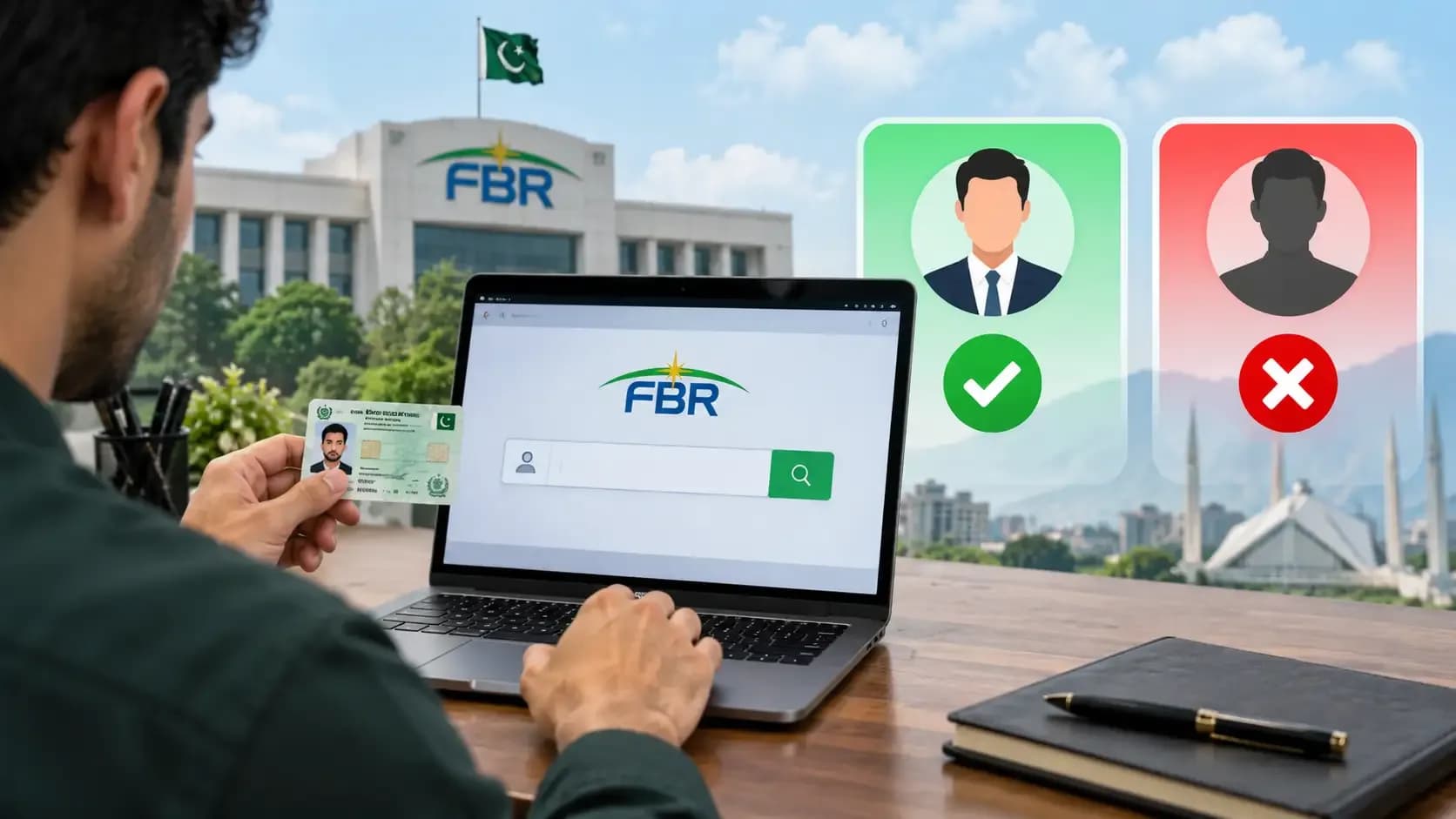
You've decided to become a filer maybe for a government job application, maybe to unlock better loan terms, or maybe because the filing deadline is looming. You log into the FBR website, and immediately you're confused: IRIS? NTN? Active Taxpayer List? The portal has more tabs than you expected, and the error messages are unhelpful.
Becoming a filer in Pakistan is simpler than it looks. This guide walks you through every step of FBR IRIS registration what documents you need, exactly what to fill in each field, what your NTN number means, and what to do if the portal rejects you.
First, understand what you're signing up for. See filer vs non-filer - what it actually costs you to confirm filer status is worth the effort. Then come back here to register.
What Is IRIS and Why You're Using It
IRIS stands for Integrated Revenue Information System it's the FBR's (Federal Board of Revenue) official online platform for tax registration and filing. Instead of visiting an FBR office with stacks of documents, you register online through IRIS, get an NTN (National Tax Number) instantly, and file your returns from home every year.
The portal is secure, though occasionally slow. If you have an internet connection and a CNIC, you can register. No middleman, no agent fee, no paperwork forwarding required.
What Documents and Information You'll Need
Before you start, gather these:
CNIC (Computerized National Identity Card) - both sides, preferably a photo or photocopy. Your CNIC number is your lifeline in FBR systems.
Mobile number and email - ideally the ones linked to your CNIC with NADRA. The FBR will send verification codes and notices here.
Proof of residence - utility bill (WAPDA, gas, water), rental agreement, or bank statement showing your current address. Must be dated within the last three months.
Income documentation - salary slips (last 3 months), business registration certificate, or property documents. The FBR will ask what your income source is.
Bank account details - account number, bank name, IBAN. You'll need this for refunds and notifications (though not required immediately for registration).
You do NOT need a printed form everything is online. You do NOT need to visit an FBR office unless something goes wrong.
To understand what filing involves once you are registered, see the income tax guide for salaried persons.
Step-by-Step: How to Register as a Filer on IRIS
Step 1: Go to fbr.gov.pk and Find IRIS
Visit fbr.gov.pk. On the homepage, look for a link labeled "IRIS Portal" or "Taxpayer Registration." Click it. The portal will open at a login page.
If you're a new user, look for a "Register" or "New User" button. Click it to start your registration.
Step 2: Create Your IRIS Account
You'll be asked to create a username and password. The username is usually your email or a custom handle. The password must be strong (uppercase, lowercase, numbers, special characters).
Choose a password you'll remember you'll use this to log in every time you want to file or update your information. Save it somewhere secure.
Step 3: Enter Your CNIC and Verify Your Identity
The portal will ask for your CNIC number. Enter it exactly as it appears on your card, without spaces or dashes.
The FBR will verify your CNIC against NADRA's database. This is automatic and usually instant. If it fails, double-check your CNIC number typos are the most common reason for rejection.
Once verified, the portal will ask for your date of birth and confirm your registered address (from NADRA records).
Step 4: Confirm Your Residential Address
The NADRA address on file may be outdated. You can update it here, but the FBR requires proof of residence - a recent utility bill, bank statement, or rental agreement.
If you keep your NADRA address, you don't need to upload proof. If you change it, you'll be asked to upload the proof document (as a PDF or image).
Step 5: Select Your Income Source Category
The portal will ask: Are you "Salaried Person," "Self-Employed / Business," or "Other"?
Choose the one that matches your situation. If you're filing because you have salary income, pick "Salaried Person." If you have business, freelance, or rental income, pick "Self-Employed / Business."
This choice affects which annual return form you'll use, but it doesn't lock you in you can update it later.
Step 6: Provide Mobile Number and Email
Enter a mobile number and email address. The FBR will send a verification code to both. Enter the codes when prompted.
This mobile and email become your primary contact for all FBR notices, filing reminders, and official communications. Keep this information current.
Step 7: Bank Account Details (Optional but Recommended)
The portal will ask if you want to link a bank account. Provide your account number, bank name, and IBAN (if you know it your bank can provide this).
Linking a bank account makes tax refunds automatic. If you owe tax, you can also arrange installment payments through the linked account. It's optional for registration, but recommended for convenience.
Step 8: Review and Submit
Before submitting, review every field CNIC, address, mobile, email. A mistake here costs you time later.
Once you're certain, click "Submit" or "Register." The system will process your application. This usually takes 2–5 minutes.
Step 9: Receive Your NTN
On successful registration, the portal will display your NTN (National Tax Number) on the confirmation page. It's a 6-digit number (sometimes written as 12 digits including check digits). Screenshot or note this number immediately.
You'll also receive your NTN via email and SMS. Save it you'll need it to file returns every year, apply for loans, and on tax-related government forms.
What Happens After You Register
Congratulations - you're now a registered taxpayer. But registration is not filing. Here's what comes next:
You get a grace period. New filers don't file immediately. Your first filing is due by 30 September of the following year (e.g., register in January 2026, file in September 2026 for FY 2025–26).
Check your Active Taxpayer List (ATL) status. After 7–14 days, use the FBR's quick tool to check your ATL status by CNIC it confirms you're officially active in the system.
When filing season arrives (typically July–September), return to the IRIS portal and file your annual return. See the income tax guide for how to calculate and file.
Troubleshooting: Common Registration Issues
CNIC verification failed
Problem: The system says your CNIC isn't found or doesn't match NADRA records.
Fix: Check that your CNIC is current (not expired). Try entering it again, exactly as written on your card. If it still fails, visit an FBR office with your original CNIC and ID for manual verification.
Mobile number or email already registered
Problem: The portal says this mobile or email is linked to another FBR account.
Fix: You may have accidentally registered twice. Try logging in with your CNIC and the password you initially created. If you can't recall the password, use the "Forgot Password" link. If both accounts are yours, contact the FBR helpline to deactivate the duplicate.
Address not matching NADRA records
Problem: NADRA shows a different address (e.g., your old address), and the portal won't let you change it.
Fix: Update your address with NADRA first (visit a NADRA registration center or use their online service). Once NADRA updates, return to IRIS and register. Alternatively, submit a change-of-address request to the FBR with proof of residence.
Portal is loading slowly or timing out
Problem: The IRIS portal is sluggish or crashes mid-registration.
Fix: The portal is heavily used during filing season (July–September). Try registering outside peak hours (early morning, late evening, weekends). Use a different browser (Chrome, Firefox, Edge). Clear your browser cache. If the issue persists, try from a different device or network.
Frequently Asked Questions
Q: Do I have to register in person at an FBR office?
No. Online IRIS registration is sufficient. An FBR office visit is only required if your CNIC fails verification or if you encounter an issue the portal cannot resolve.
Q: What is my NTN used for?
Your NTN (National Tax Number) is your unique identifier for all tax purposes: filing annual returns, applying for government jobs, obtaining loans, purchasing vehicles, selling property, and any other tax-related transaction. Keep it safe and memorize it.
Q: Can I register without a bank account?
Yes. Bank account details are optional during registration. You can add or update your bank account later through the IRIS portal. However, linking a bank account makes refunds automatic and simplifies installment payments if you owe tax.
Q: How long does registration take?
Registration itself takes 5–15 minutes online. Your NTN is issued instantly upon successful submission. Appearing on the Active Taxpayer List (ATL) takes 7–14 days.
Q: Is there a registration fee?
No. FBR registration is free. If anyone asks for money to help you register, they are scamming you. The official IRIS portal is free.
Q: What if I registered but never filed a return?
You remain a registered filer, but you're not on the Active Taxpayer List (ATL). Filing at least one return (even if it shows zero income or zero tax) activates your ATL status. After that, annual filing keeps you active.
Q: Can I change my income category after registration?
Yes. During your first filing, you can update your income source category (salaried vs. self-employed). After filing, you can also request changes through the FBR help desk, though it's simplest to do it when filing.
Q: What if my NADRA address is wrong?
Update your address with NADRA first, then return to FBR IRIS and file a change-of-address request or re-verify. The FBR and NADRA databases communicate, so updating one can affect the other.
After Registration: Your First Year as a Filer
Once registered, your timeline is straightforward:
Months 1–6: Enjoy filer status. You can list it on job applications, loan forms, and official documents. Update your IRIS profile anytime - mobile, email, bank account.
Month 7 (July): Tax year opens. The FBR sends filing notifications to your email and SMS. Salary slips and Form P arrive from your employer.
Months 7–9: File your first annual return by 30 September. See the income tax guide for detailed filing instructions.
Month 10 onward: The FBR processes your return. If you overpaid, you get a refund by early 2027. If you owe more, the FBR may send a notice or allow installment payment.
Related Topics and Next Steps
Now that you're registered, understand the broader picture:
Understand the benefits and costs of filer status. See filer vs non-filer - what it actually costs you.
Learn how to calculate your income tax using the income tax calculator and the full tax guide at income tax in Pakistan for salaried persons.
If you have additional income (property, freelancing, business), see freelancer tax in Pakistan and withholding tax on property, vehicles and banking.
Once you file and your status stabilizes, use the FBR tool to check your ATL status by CNIC.
Article Details
Category: Tax & Finance
Published:
Updated:
Author: Usama Haider
More Stories