Quick Answer
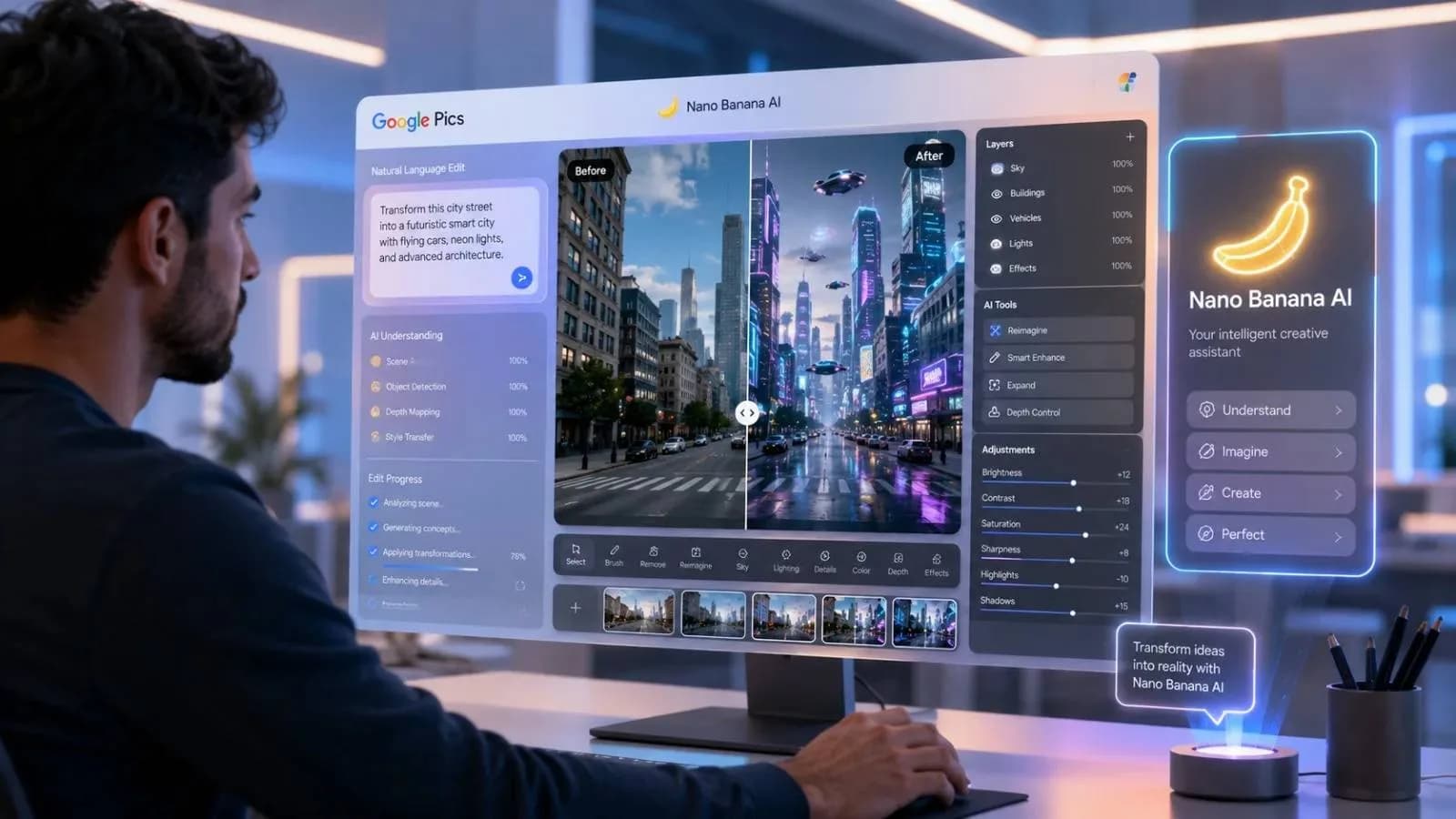
Google Pics Uses Nano Banana to deliver more precise AI image editing by letting users modify only selected parts of an image instead of regenerating everything. This approach helps creators, businesses, and marketers save time, reduce editing errors, and maintain consistent visual quality across projects.
What Is Google Pics and Why Is Nano Banana Different?
Google is expanding its AI capabilities with Google Pics, an image editing tool powered by Nano Banana. Unlike many AI image generators that recreate an entire image after every prompt, this technology focuses on editing only the area users select.
In many cases, creators spend more time fixing AI mistakes than creating the original image. A product label changes unexpectedly, a background disappears, or text becomes unreadable. These issues often force designers to start over.
From experience, professional designers rarely need endless image variations. They need reliable editing that protects the original design while allowing small improvements. That is exactly where Nano Banana appears to stand out.
Key Features at a Glance
Feature | Benefit |
|---|---|
Object Editing | Move, resize, or remove selected objects |
Localized Editing | Change one area without affecting the full image |
Text Correction | Improve text inside signs and product labels |
Brand Consistency | Preserve logos, colors, and product identity |
Why Businesses and Creators May Find It Useful
Whether you manage an online store or a digital marketing agency, faster editing can improve productivity.
For example, a Shopify seller in the United States may want to replace a product background for a seasonal promotion without changing the product itself. Similarly, a restaurant in Lahore could refresh promotional graphics without arranging another photoshoot.
One common mistake people make is believing AI-generated images are ready for publishing. In reality, they usually require adjustments before they meet brand standards.
Potential use cases include:
Faster client revisions for freelancers
Product mockups for e-commerce stores
Social media campaigns for agencies
Feature images for publishers
Marketing visuals for small businesses
Google Pics vs Traditional AI Image Editors
Feature | Google Pics | Traditional AI Tools |
|---|---|---|
Object-Level Editing | Yes | Limited |
Background Preservation | Yes | Often Changes |
Text Accuracy | Better | Inconsistent |
Editing Speed | Faster | Multiple Regenerations |
Pros
More precise image editing
Fewer unnecessary changes
Faster creative workflow
Better brand consistency
Suitable for commercial content
Cons
Global availability may vary
Real-world performance will depend on wider rollout
Complex edits may still require professional software
Customer Experience and Final Thoughts
Early discussions among creators show that users want control more than endless image generation. Many online communities have shared similar frustrations about AI changing backgrounds, product details, or text after simple editing requests.
If Google delivers on its promise, Nano Banana could become a practical tool for designers, marketers, freelancers, and businesses looking for quicker and more reliable image editing.
Ready to Improve Your AI Editing Workflow?
If you regularly create marketing visuals, product images, or social media content, Google Pics is worth watching as it becomes more widely available. Better editing control can save valuable time while helping maintain professional-quality visuals.
Frequently Asked Questions
1. Is Google Nano Banana free?
Google has not confirmed complete pricing details. Availability may depend on the platform or subscription plan.
2. How to create AI images with Gemini Nano Banana?
Users can generate or edit images through supported Google AI services where Nano Banana capabilities are available.
3. Does Google AI use Nano Banana?
Yes. Google Pics is powered by Nano Banana to improve image editing precision and localized modifications.
4. What is the use of Nano Banana?
Its primary purpose is to edit specific parts of an image without changing the entire composition.
5. Can Google Pics edit only one object in an image?
Yes. It is designed to modify selected objects while preserving the rest of the image.
6. Who can benefit from Google Pics?
Freelancers, designers, marketers, e-commerce sellers, publishers, and businesses that regularly create visual content.
7. Is Google Pics better than traditional AI image editors?
For localized image editing and maintaining visual consistency, Google Pics aims to offer better control than many traditional AI image generation tools.
Topics in this story
Article Details
Category: Tech
Published:
Updated:
Author: Fiza
More Stories