Sindh SBOSS Portal Registration: Benefits, Services and How to Apply
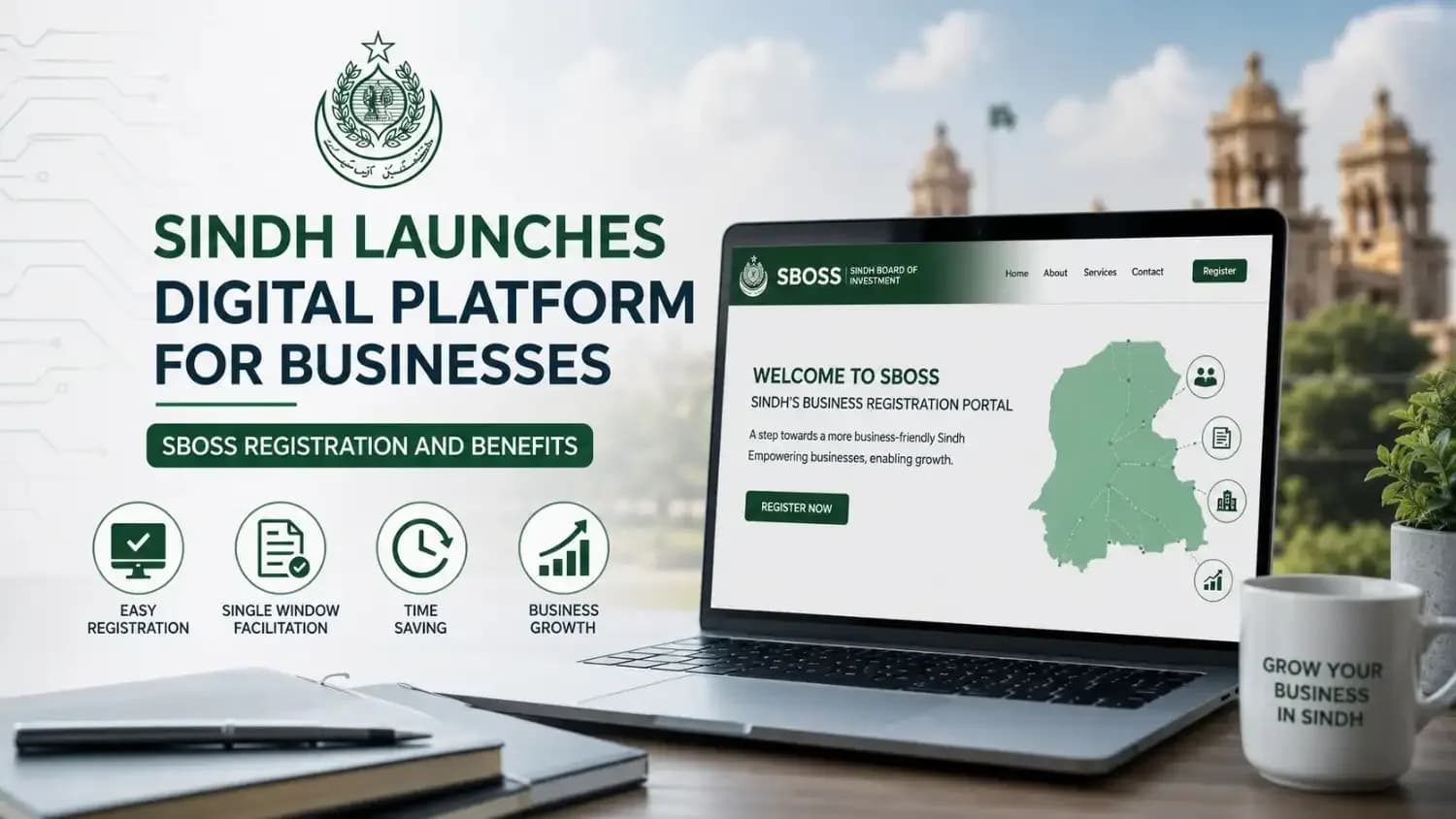
Sindh SBOSS Portal Registration: Benefits, Services and How to Apply
Quick Answer
The Sindh government launched the Sindh Business One-Stop Shop (SBOSS) on July 22, 2025, to make business licensing and regulatory approvals easier across the province. Through one online account, users can access available e-licensing services, review application requirements, submit information, and track their requests online.
To create an account, users need their CNIC, CNIC expiry date, active Pakistani mobile number, email address, and personal information. Signing up does not automatically issue a business license; it gives the user access to the available services on the SBOSS portal.
What Is the Sindh Business One-Stop Shop?
SBOSS is an official digital business portal operated by the Government of Sindh. It serves as one online connection between businesses and participating provincial departments.
Before such a system, an entrepreneur could have to contact different offices separately to understand license requirements, submit documents, and follow the progress of an application. SBOSS brings supported regulatory processes together on one platform.
The project was developed through the Sindh Investment Department under the World Bank-supported Competitive and Livable City of Karachi Project, commonly known as CLICK. Its wider purpose is to reduce administrative hurdles and improve business-to-government services.
Has SBOSS Been Officially Launched?
Yes. Sindh Chief Minister Syed Murad Ali Shah officially launched SBOSS at the Chief Minister House in Karachi on July 22, 2025.
At launch, the platform offered 32 e-licensing services through nine government departments. The government also announced plans to bring more regulatory services and departments into the system in phases.
The platform has since expanded. At the time of writing, the official Sindh business website displays:
84 e-licensing services
15 participating government departments
8,634 registered users
6,888 e-licenses issued
These figures may continue to change as we add more users, departments, and services. users, departments, and services As we add more users, departments, and services, these figures may continue to change.
What Can You Do After Signing Up for SBOSS?
Creating an SBOSS account provides you with access to the digital services currently available on the platform.
Depending on the service you require, you may be able to:
Apply for a new registration, license, certificate, or permit
Submit a renewal or amendment request
Check the documents required for an application
Review applicable fees and regulatory guidance
Submit information through an online account
Track the progress of a submitted application
View departmental contact and support information
Receive a digital license or approval where available
The exact options shown in your dashboard will depend on the business activity and the services currently connected to SBOSS.
Main Benefits of Creating an SBOSS Account
One Account for Different Business Services
The main benefit of SBOSS is that it provides one central account for supported services from different government departments.
Business owners do not have to create a separate online profile for every participating department. They can sign in to SBOSS and select the relevant service from the available options.
Fewer Unnecessary Office Visits
Users can review requirements, begin applications, and track submitted requests online. This can reduce the need to visit government offices only to collect forms, ask about basic requirements, or check whether an application has moved forward.
A physical visit, inspection, or original document may still be required when the rules of a particular license demand it.
Clearer Application Requirements
The portal provides information about documents, fees, laws, and application steps for available services. This allows applicants to prepare the required information before submitting a request.
Clear requirements can help reduce mistakes such as missing documents, incorrect forms, or incomplete applications.
Online Application Tracking
After submitting an application, users can check its status through the portal.
This makes it easier to see whether an application is under review, requires additional information, or has reached a decision.
Access Outside Normal Office Hours
SBOSS was launched as a 24/7 online platform. Users can sign in, prepare an application, or check their dashboard without waiting for office opening hours.
Departmental reviews and approvals may still take place according to official working schedules.
Useful for Small and Large Businesses
The platform is intended for different types of applicants, including:
Individual entrepreneurs
Startups
Small businesses
Home-based businesses
Existing companies
Local investors
International investors operating in Sindh
The type of registration or license required will depend on the nature and location of the business.
Digital Identity Verification and Payments
At launch, the government said the platform would connect with systems such as NADRA, SECP, and 1LINK to facilitate identity verification and digital payments. At launch, the government stated that the platform would connect with systems including NADRA, SECP, and 1LINK to support identity verification and digital payments.
The government also reported the use of blockchain technology to protect data integrity and reduce the risk of document forgery.
Information Required for SBOSS Registration
The registration form is divided into simple stages.
Registration Stage | Information You May Need |
|---|---|
CNIC and Phone Information | CNIC number, CNIC expiry date, and registered mobile number |
Phone Confirmation | Re-enter mobile number and enter the verification code (OTP) |
Email Verification | Active email address and email verification code |
Personal Information | Full name and other personal details requested on the registration form |
Additional Details | Any additional information required to complete your profile |
Password and Declaration | Create a secure password and accept the declaration/terms |
People with a lifetime CNIC can select the lifetime option shown on the registration form instead of entering a standard expiry date.
Use a mobile number and email address that you can access, as you will receive verification codes at these contacts. During registration, you may receive verification codes, so use a mobile number and email address that you can access. during registration.
How to Register on the SBOSS Portal
Step 1: Open the Official Portal
Go to the official SBOSS website and select Register.
Check the website address carefully before entering your CNIC or contact details. Avoid registering through an unofficial link sent by an unknown person.
Step 2: Enter Your CNIC Information
Enter your 13-digit CNIC number in the format shown on the form.
Provide the expiry date printed on your identity card. Select Lifetime if your CNIC has no normal expiry date.
Step 3: Add Your Mobile Number
Enter an active Pakistani mobile number using the +92 country code.
The form also asks you to confirm the number. Ensure both entries are identical.
Step 4: Complete Mobile Verification
Enter the verification code received on your mobile number.
Do not share this code with anyone. It is used to confirm access to the phone number connected with the account.
Step 5: Verify Your Email Address
Provide an active email address and enter the confirmation key sent to your inbox.
Please verify your spam or junk folder if the email does not arrive in the main inbox.
Step 6: Provide Personal Information
Complete the personal-information section with accurate details.
Your information should match your official records. Incorrect information may cause problems when your identity or application is reviewed.
Step 7: Complete the Additional Details
Enter any further details requested by the portal.
Read every field carefully and avoid submitting incomplete or estimated information.
Step 8: Create a Secure Password
Choose a strong password that is difficult to guess.
Avoid using only your name, date of birth, mobile number, or CNIC digits as your password.
Step 9: Read the Declaration
Review the declaration before accepting it. By submitting the form, you confirm that the provided information is accurate.
Step 10: Complete Registration
Submit the form after checking your CNIC, phone number, email address, and personal details.
Once registration is complete, return to the sign-in page and access your account using your registered credentials.
What Happens After You Create an Account?
Creating an SBOSS account is not the same as receiving a business license.
Account registration only creates your user profile. You must then choose the registration, certificate, permit, or license relevant to your business.
The general process may include:
Sign in to your SBOSS account.
Select the required government service.
Read the eligibility conditions.
Verify the required documents and fees.
Complete the service-specific application.
Upload the requested records.
Make the required payment where applicable.
Submit the application.
Track its status through your dashboard.
Respond if the department requests corrections or more information.
Approval depends on the rules and review process of the department responsible for that service.
Important Points Before Submitting an Application
To prevent unnecessary delays, remember these points:
Use your own CNIC and accurate personal information.
Register with a mobile number that remains active.
Use an email account you monitor regularly.
Read the service requirements before starting an application.
Prepare clear and complete copies of the required documents.
Review all information before final submission.
Check your dashboard for notices or requests from the department.
Never share your password or verification code.
Do not pay an unofficial agent for services you can access directly.
Is SBOSS Registration Free?
Creating a user account on the portal is separate from the fee charged for a particular license, registration, renewal, or permit.
A government service may have its own application or regulatory fee. Users should check the fee details shown for the selected service before submitting an application.
Is SBOSS Worth Using?
For businesses that need a service already available on the portal, SBOSS provides a more organized way to understand requirements, submit an application, and monitor its progress.
Its most useful features are:
A single business-services account
Online access to multiple departments
Clearer regulatory information
Application tracking
Digital identity verification
Online payment support for connected services
Reduced dependence on manual follow-ups
However, SBOSS does not remove the legal requirements of a business license. Applicants must still provide the correct documents, meet eligibility conditions, and complete any department-specific process.
Frequently Asked Questions
What does SBOSS stand for?
SBOSS stands for Sindh Business One-Stop Shop. It is an online government platform for supported business registrations, licenses, certificates, and permits in Sindh.
When was SBOSS launched?
The Sindh government officially launched the platform on July 22, 2025, at the Chief Minister House in Karachi.
Who can create an SBOSS account?
Entrepreneurs, small businesses, home-based businesses, companies, and investors seeking supported regulatory services in Sindh can register.
What information is required for signup?
Users need a CNIC number, CNIC expiry information, a mobile number, an email address, personal details, and a password. Mobile and email verification may also be required.
Does registration automatically create my business?
No. Registration creates an SBOSS user account. You must separately apply for the license, certificate, registration, or permit required for your business.
Can I track my application online?
Yes. The official Sindh business website states that users can apply online and track the status of supported applications through the platform.
Can I use SBOSS at any time?
The platform is available online around the clock. However, application reviews and departmental decisions may follow official working schedules.
Are all business licenses available on SBOSS?
Not necessarily. Services have been added in phases, and the available list may continue to change. Check the live portal to confirm whether your required license or approval is currently offered.
Final Words
The Sindh Business One-Stop Shop gives entrepreneurs and companies a single online route to access supported business services. It can save time, provide clearer application guidance, and reduce the need for repeated manual follow-ups.
Start by creating an account with your correct CNIC, mobile number, and email address. After signing in, select the exact service your business needs, review its requirements, and submit a complete application.
SBOSS registration does not guarantee approval, but it can make the official licensing process easier to understand, access, and track.
Sources
Article Details
Category: Business
Published: 22 July 2026
Time: 1:35 am
Updated: 22 July 2026 at 1:54 am
Author: Usama Haider
More Stories